Pinegrow Online, powerful web editor in your Browser.
Build and share web projects with Bootstrap, Tailwind CSS, plain HTML and GreenSock powered interactions, visually or with AI.
Sign Up NowView Featured Projects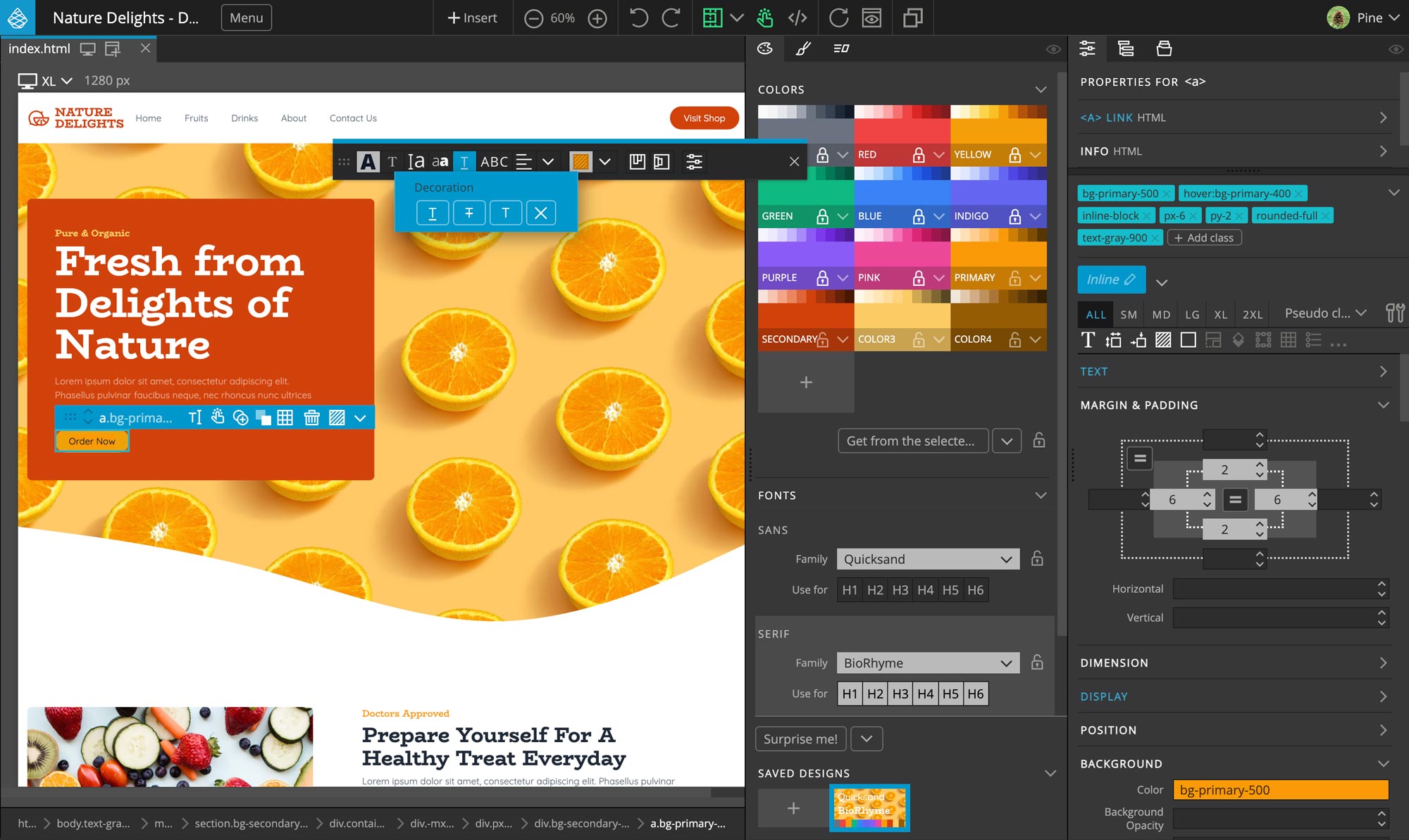
Build with AI, Stay in Control
Describe what you want and let AI build and edit your project, right in the visual editor. Every Pinegrow Online subscription includes monthly AI credits.
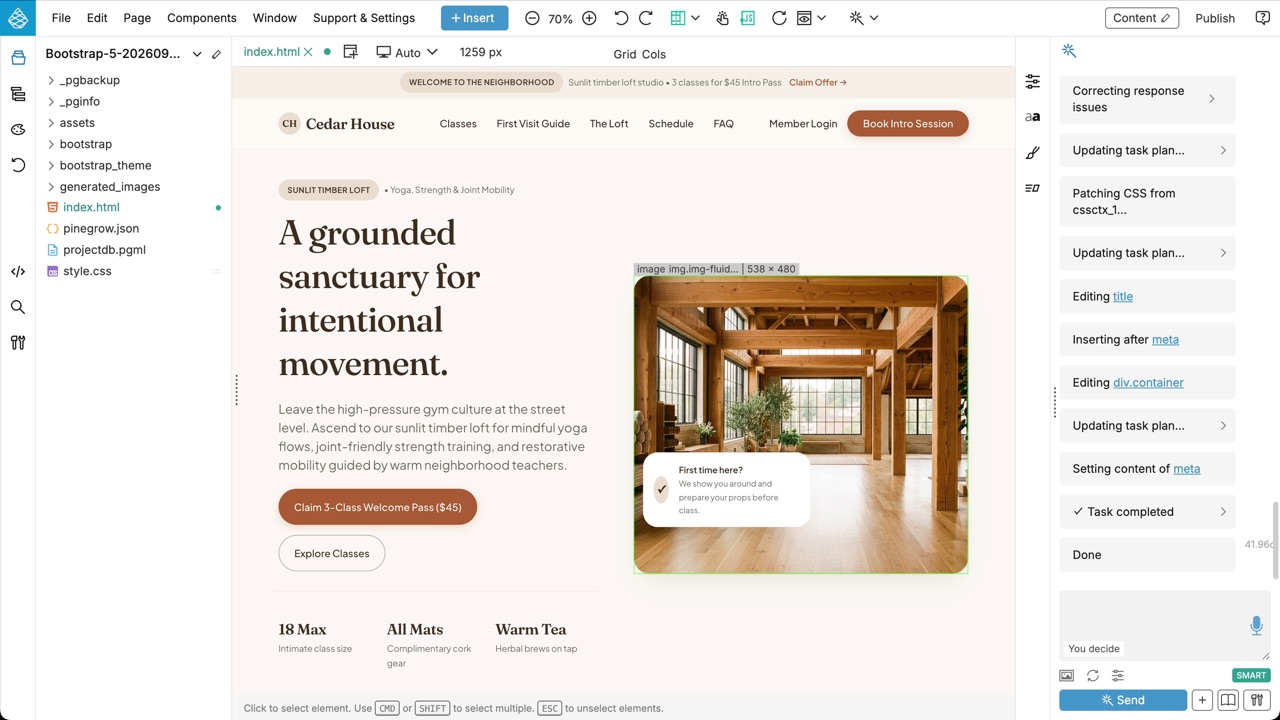
Create a Project with AI
Describe the website you have in mind, choose Bootstrap, Tailwind CSS or plain CSS, and Pinegrow builds the first version for you. Then keep shaping it with the visual tools.
Watch the video ↗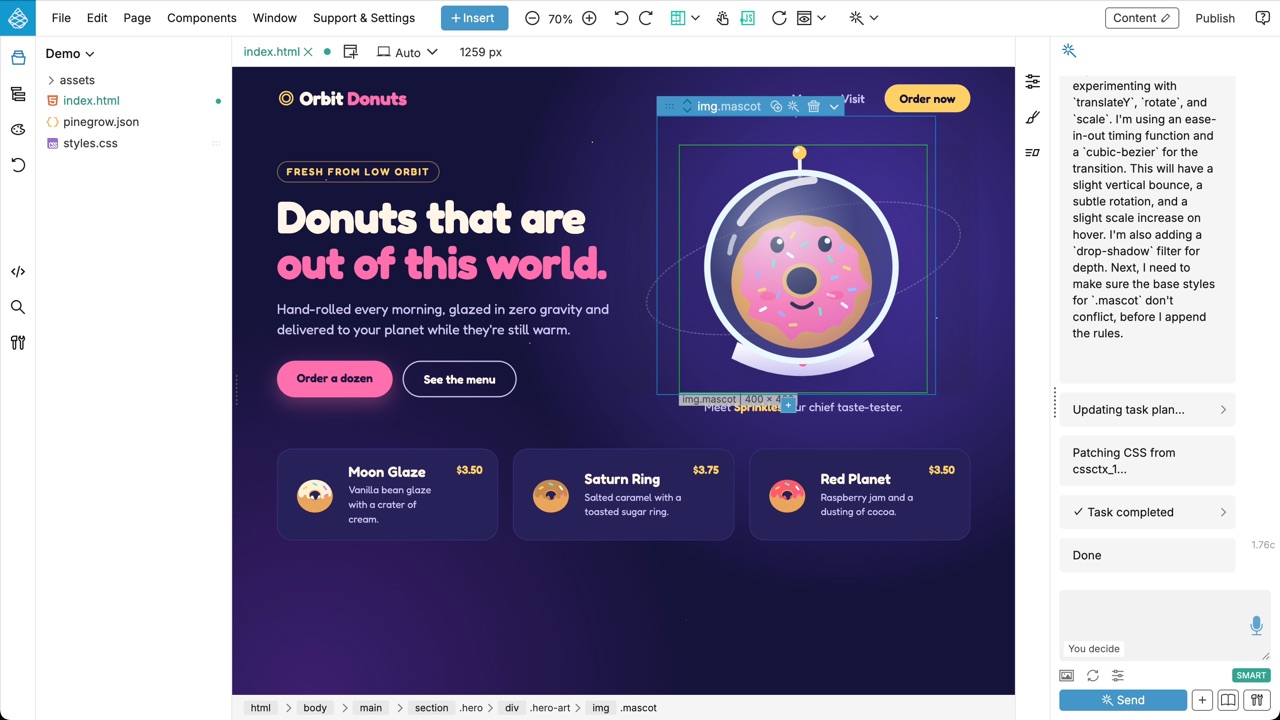
An AI Assistant in Your Pages
Ask Mr. Pine Cone, the AI Assistant, to add sections, restyle elements or write CSS animations. It works on the page in front of you, so you see every change as it happens.
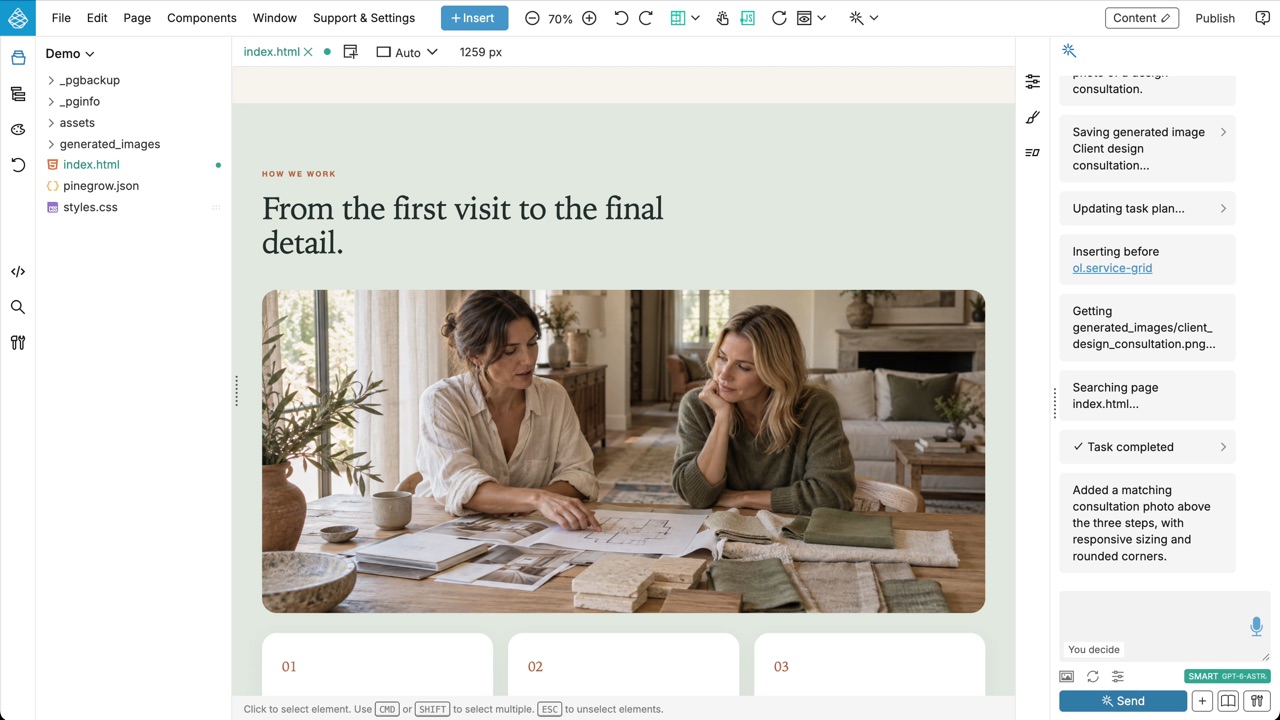
Images Made for Your Design
Need a photo that doesn't exist yet? The AI Assistant can generate an image that fits your page and place it in the layout.
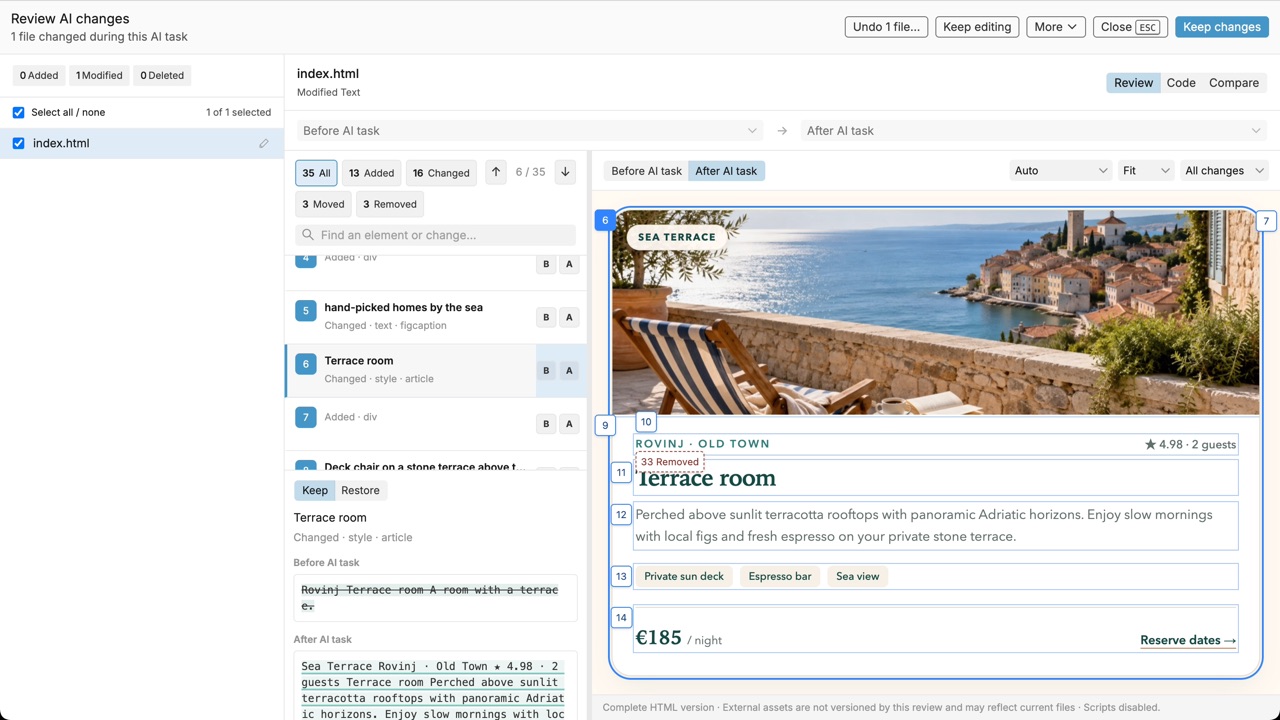
Review Every AI Change
After an AI task, go through the changes element by element and compare the page before and after. Keep what you like and restore the rest.
Watch the video ↗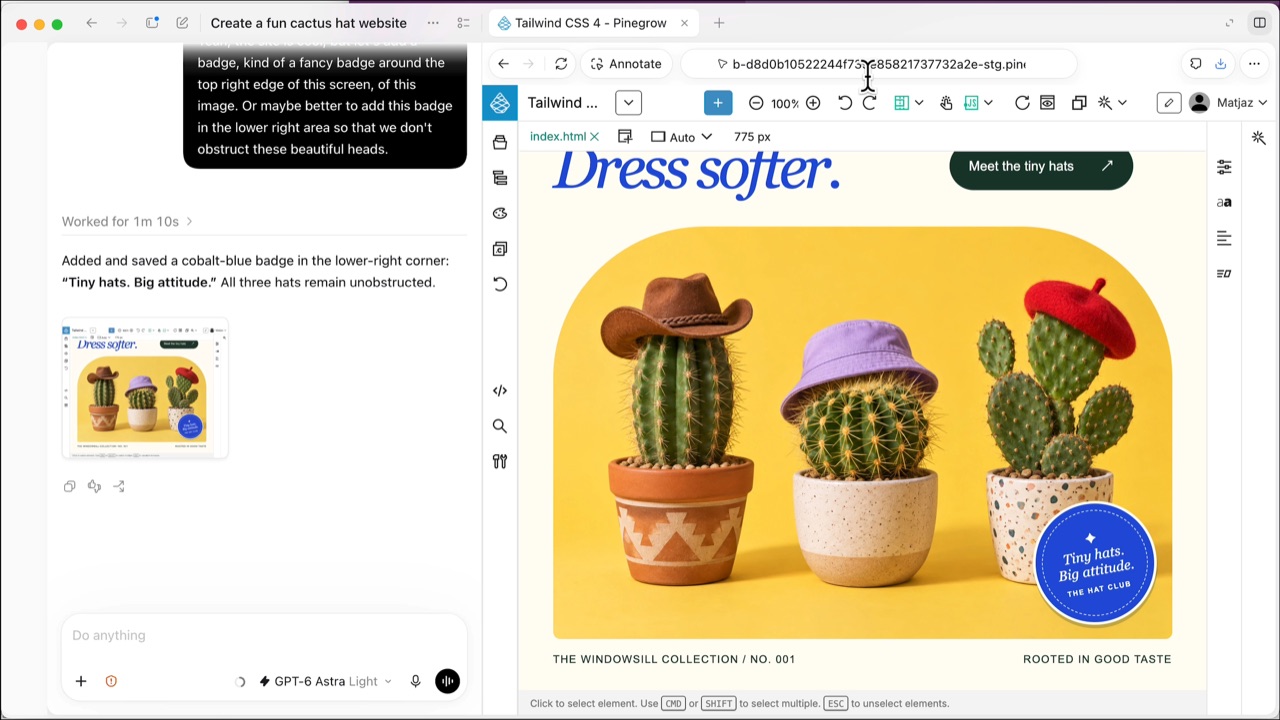
Works with Codex and Claude
Prefer your own AI agent? Open Pinegrow Online in the browser of an agent like Codex or Claude. The agent edits your pages with Pinegrow's editing tools while you watch the changes in the visual editor.
Watch the video ↗Learn more ↗Have Fun, Build Online
Pinegrow Online comes with most of the features of our desktop application Pinegrow Web Editor.
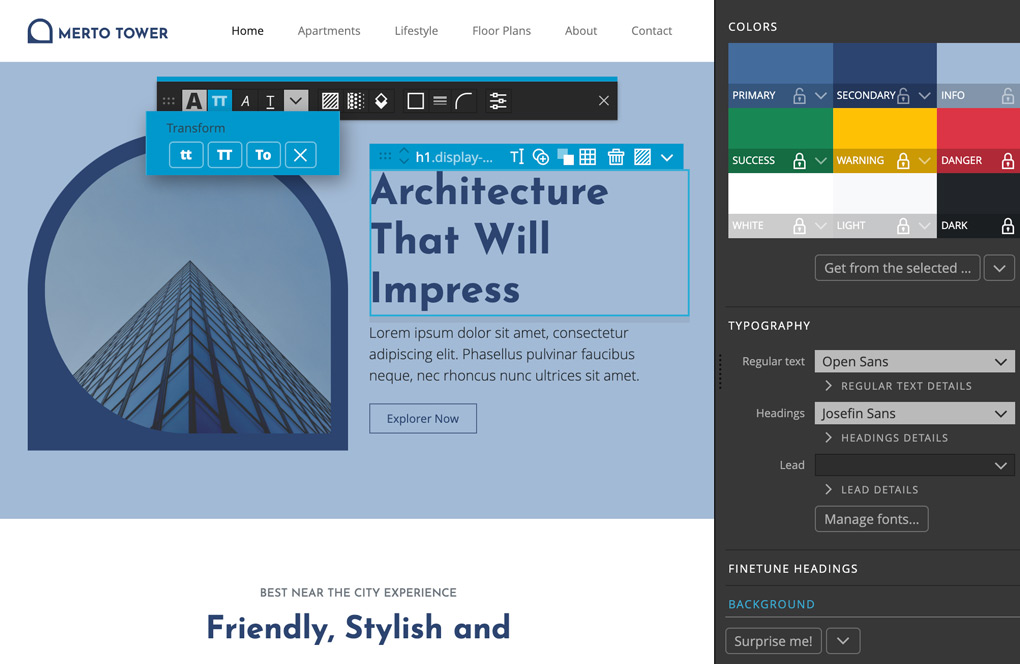
Bootstrap, Tailwind CSS or Plain HTML
Use visual controls, components, easy theming and library of blocks and templates to build projects with your favorite framework.
Try BootstrapTry Tailwind CSSTry Plain HTML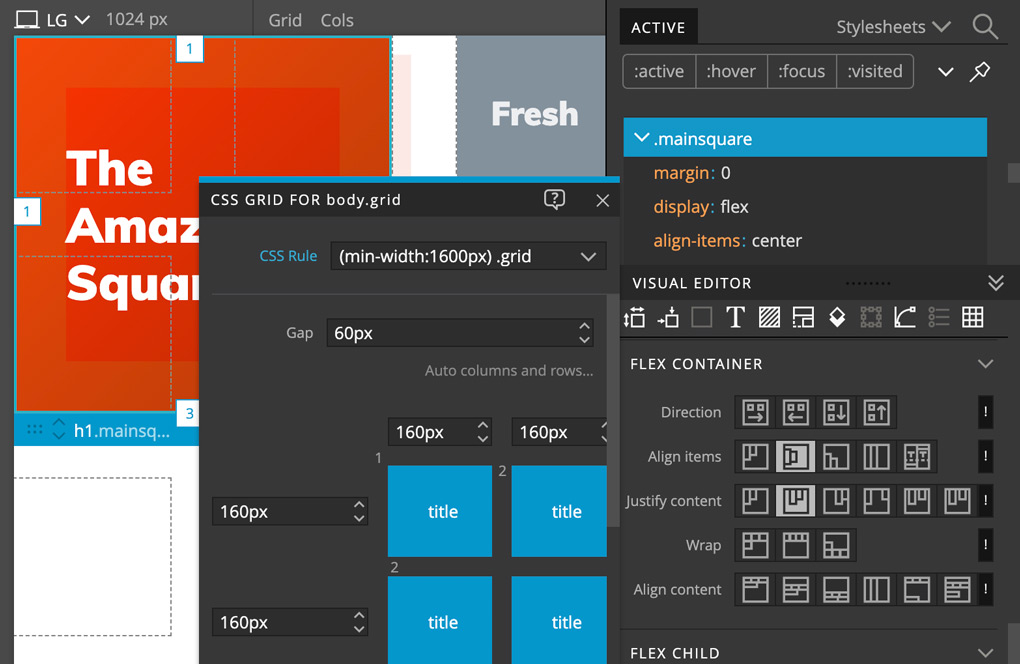
Powerful CSS Editor
Inspect active CSS rules, use rich visual controls, build responsive pages and design layouts with CSS Grid editor.
Try Now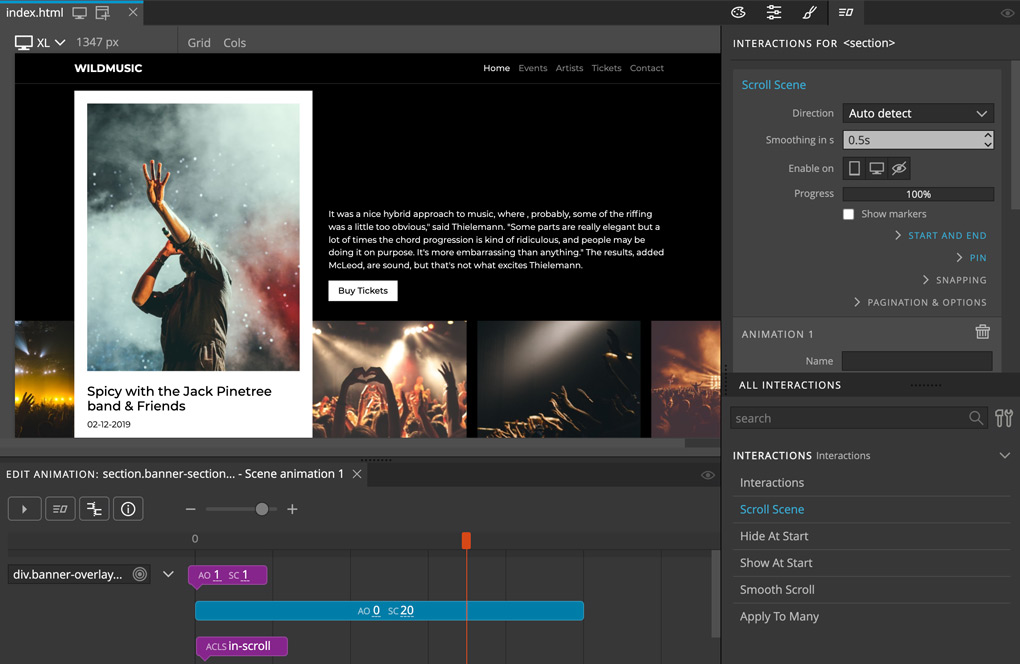
Interactions Powered by GreenSock
Create powerful interactions and scroll scenes with custom animations designed with the timeline editor, powered by GreenSock GSAP.
Try Now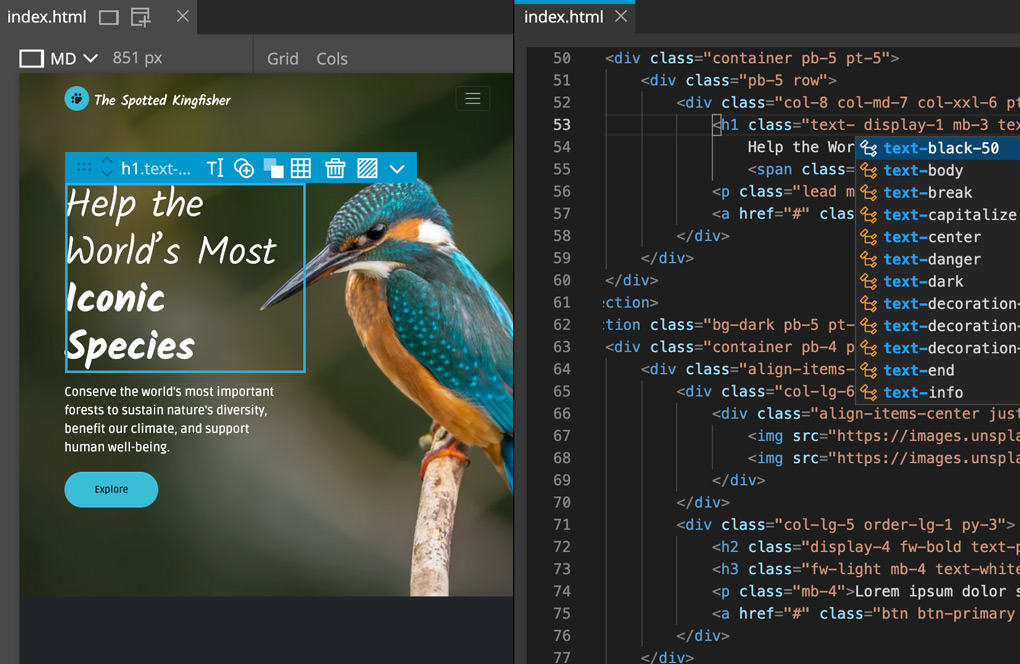
Code + Visual Tools
Use visual tools and code editing, side by side. Pinegrow uses Monaco, the same editor that powers Visual Studio Code.
Try Now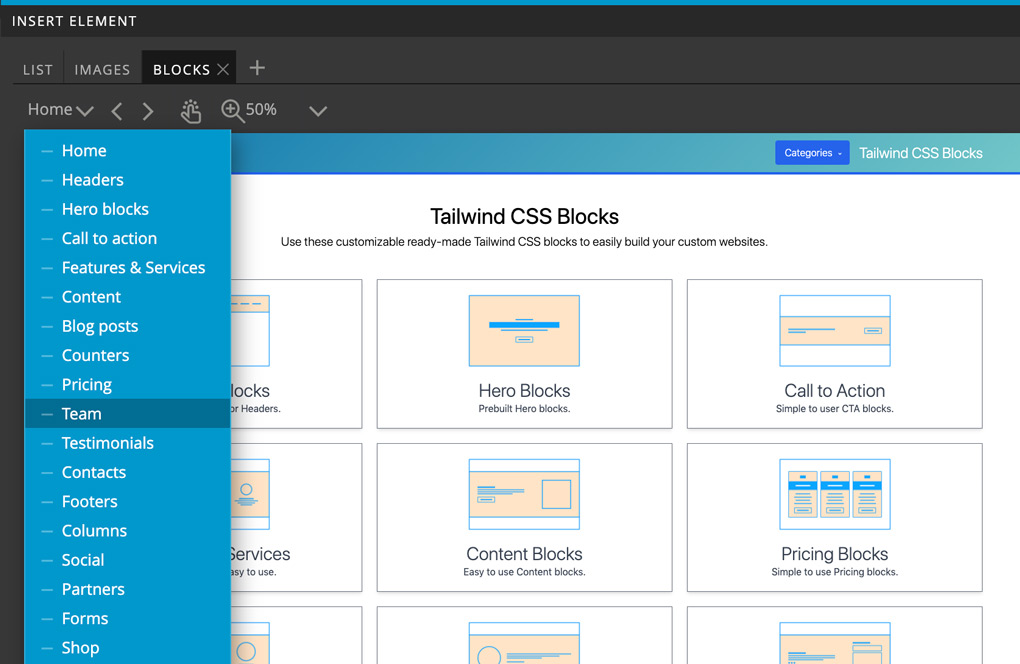
Ready-made Blocks and Templates
Use a growing collection of reusable components and templates for Bootstrap 5 and Tailwind CSS to quickly get your project off the ground.
Browse Templates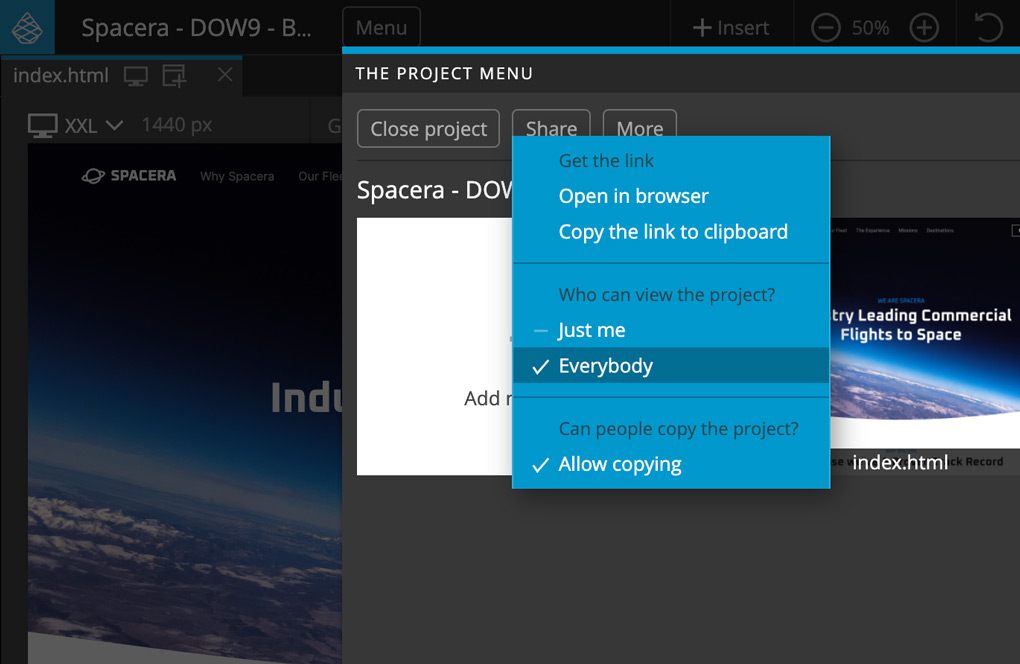
Publish Anywhere
Your projects are stored in the cloud, so you can work on them from any computer. When the site is ready, publish it to GitHub, Netlify or Cloudflare Pages straight from the editor, or download the project files.
See PlansFeatured Projects
Create a new project or jump straight into editing one of our featured projects.
If you use Pinegrow Online as a guest (without an account), your projects will be saved in your browser storage.
Loading featured projects...
Sign up for Pinegrow Online
Please choose between a yearly and a monthly recurring subscription. After checkout, we email you a link to set up your account. You can cancel at any time. The yearly subscription comes with a 30-day money-back guarantee, minus any AI credits consumed. See refund policy.
You'll be charged every month. Cancel at any time.
You'll be charged every year and save $60 compared with 12 monthly payments. Cancel at any time. Includes a 30-day money-back guarantee. See refund policy.
Already have an account or a Paddle Classic subscription? Sign in to billing. Existing Classic subscriptions stay on their current management path.
Our order process is conducted by our online reseller Paddle.com. Paddle.com is the Merchant of Record for all our orders. Paddle provides all customer service inquiries and handles returns.
Want to try Pinegrow Online first? Use the free guest editor; projects are saved in your browser storage.
Frequently Asked Questions
Can I get a free account?
No, at least not for now. We have to focus on making the service sustainable and providing support to paid users. That said, Pinegrow Online can be used for free as a guest, without an account.
Where are my projects stored when using Pinegrow Online as a guest?
Your projects are stored in the browser local storage. That means you can’t open them from another device or preview them in the browser.
Are there any limitations for guest projects?
Yes. Projects with Interactions can’t be downloaded when you are using the service as a guest, and AI credits come with a subscription.
Is AI included?
Yes. Every subscription includes monthly AI credits for the AI Assistant, Create with AI and image generation. You can also use your own OpenRouter or Google AI key.
Is Pinegrow Online included in my desktop Pinegrow Web Editor subscription?
Partially. You can activate Pinegrow Online with your Pinegrow desktop license and edit local projects, stored on your computer (using FileAccess browser API). But, to work with projects stored in the cloud, you need a paid Pinegrow Online account.
What will happen with desktop Pinegrow Web Editor app? Will Online replace it?
No worries :) Desktop Pinegrow remains our core product.
Where do my finished websites live?
On your own hosting. Pinegrow Online is where you edit the site. When it’s ready, publish it to GitHub, Netlify or Cloudflare Pages straight from the editor, or download the project files.
Which browsers are supported?
Chrome & similar, Firefox and Safari.
How about the WordPress support?
Pinegrow Online is also available as a self-hosted WordPress plugin.
I still have questions!
Join the discussion on our forum or get in touch with us.